How to Download the Presets on Desktop? (2023)

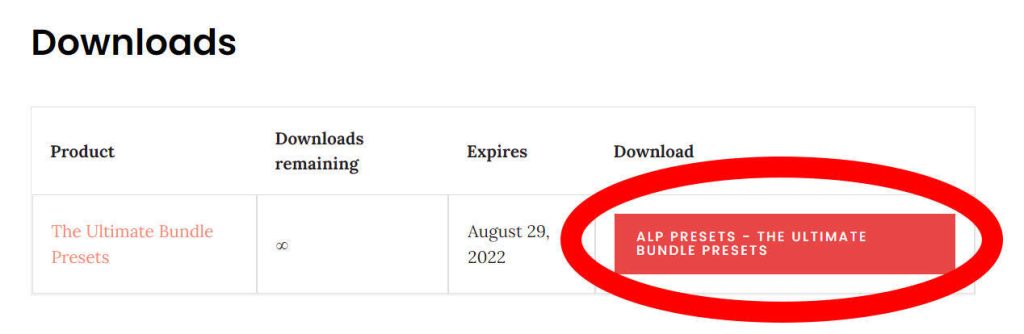
1. Click this red box to download the preset.
2. Your file will be downloaded into the browser in .zip format
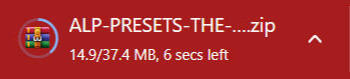
3. Right-click to Extract Files to get the preset.
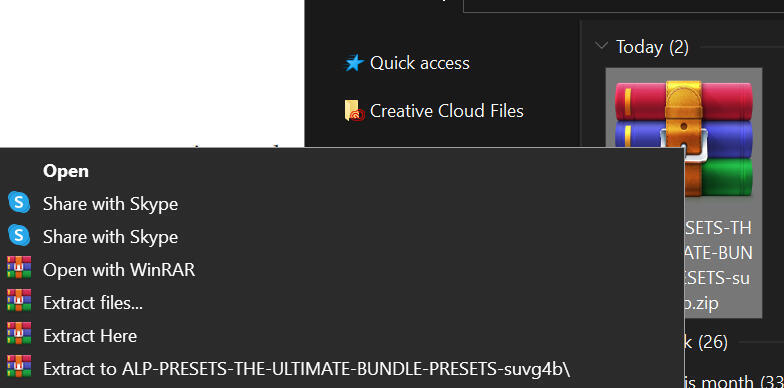
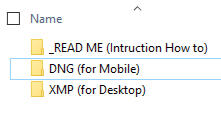
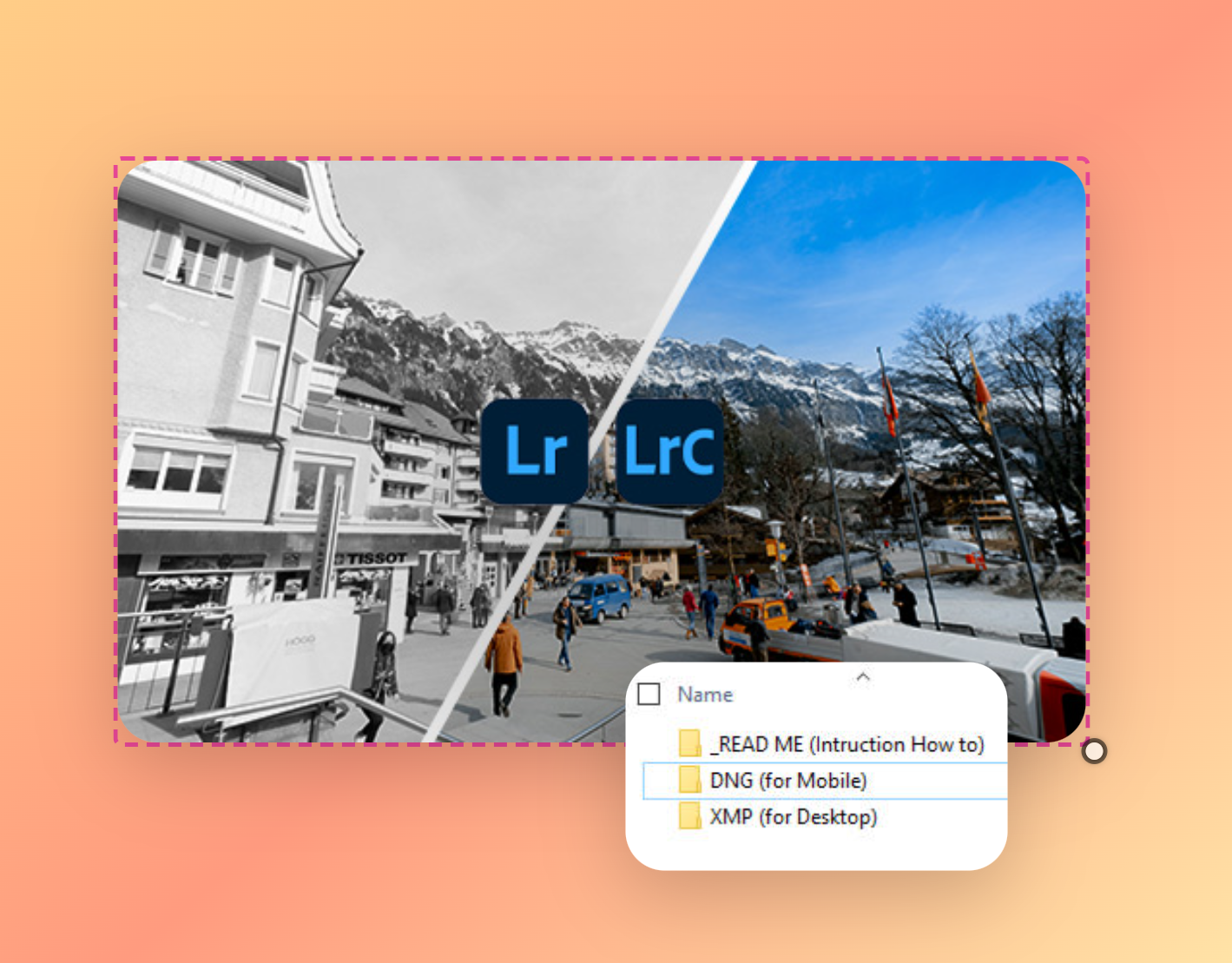
4. These are the list of folders after extracts. Now you can enjoy both presets for Mobile & Desktop!